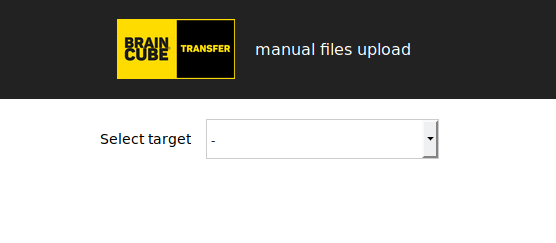
For punctual uploading of files to Braincube you can use a dedicated web page.
The link is here and looks like the following screenshot.
Requirements
- You need an access to Braincube and be logged in
- You need to be granted to your desired Braincube's destination
Usage
- Go to the web page
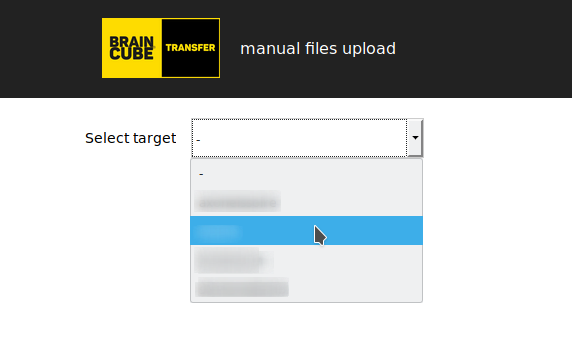
- Select your destination in the drop down menu
- Finally, drag and drop or click under the grayed area for uploading file(s)
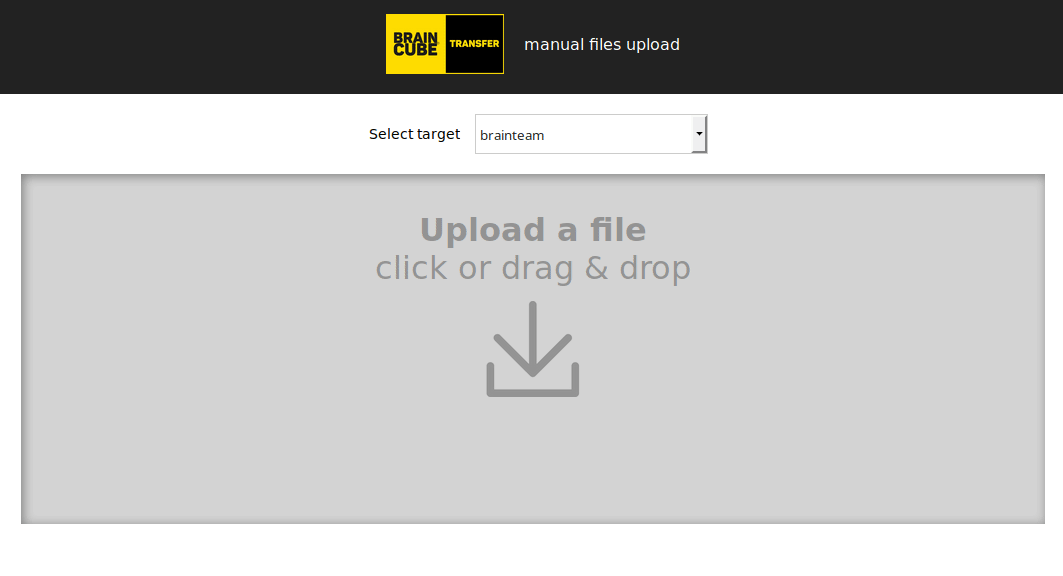
The area shows you the actual state of each upload.