To create a Braincube Live, follow the procedure :
- Navigate to the Live page
- Click on the button Create a live on the bottom right.

- Pick the Product Clone or Memory Base in which you've created the rules or process standards that you want to monitor.
The Product Clones or Memory Bases need to comply with the following prerequisites :
- HF Mxbrain is set up
- HF Table is set up
- HF key for the Reference Date is set up
- HF key for IDMX variable is set up

You'll see what needs to be fixed when you select a database.
You cannot move forward if you try to use a database that doesn't comply
- Add a title and a pivot variable if necessary (see "how to change the configuration" for details)
Select all the locations of the variables you want to be displayed in your Live.

5. To finalize your Live creation, you must configure the Live permissions :
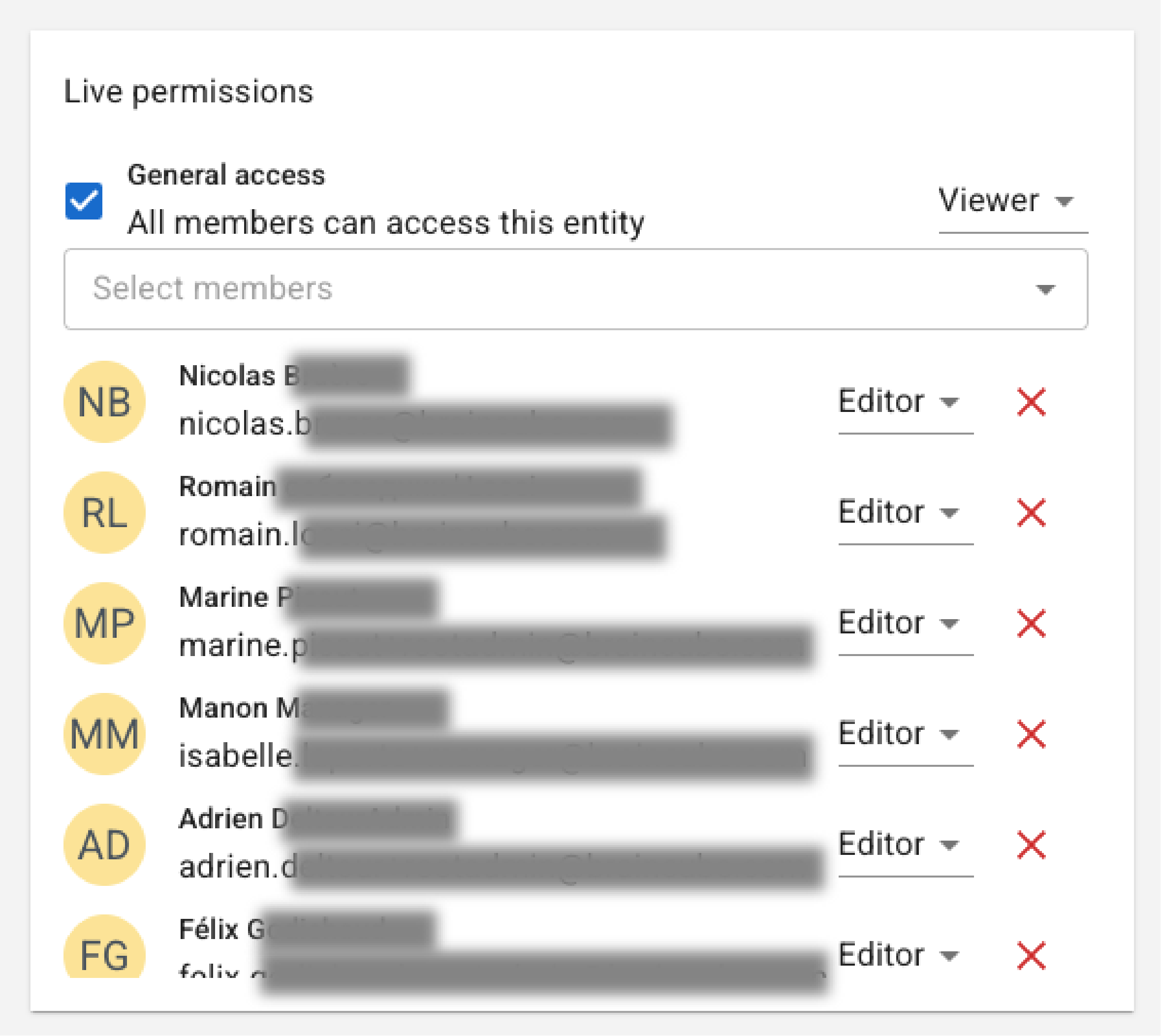
- The General Access defines permissions for the entire user base having access to the source Memory Base (Process Clone, Virtual Twin, DT).
- Default: VIEWER.
- Elevated: EDITOR (equivalent to "Public").
- Restricted: NONE (equivalent to "Shared" or "Private").
- The Specific User Access is a manual selection of individual users from the Memory Base access list.
- Default level: EDITOR.
- The creator is automatically added as a specific user with EDITOR rights upon creation
NB :
- If multiple rights overlap, the most permissive right applies: EDITOR > VIEWER > NONE.
- To prevent a Live from becoming "orphaned" (having no manager), it is not possible to delete the last EDITOR access point.