Click on the brainbox icon (and on "open" if you have already seen a brainbox):

Select your brainbox and click on the icon "PPT" or "G-Slides". ( You can see How to configure an export G-SLIDES ?):
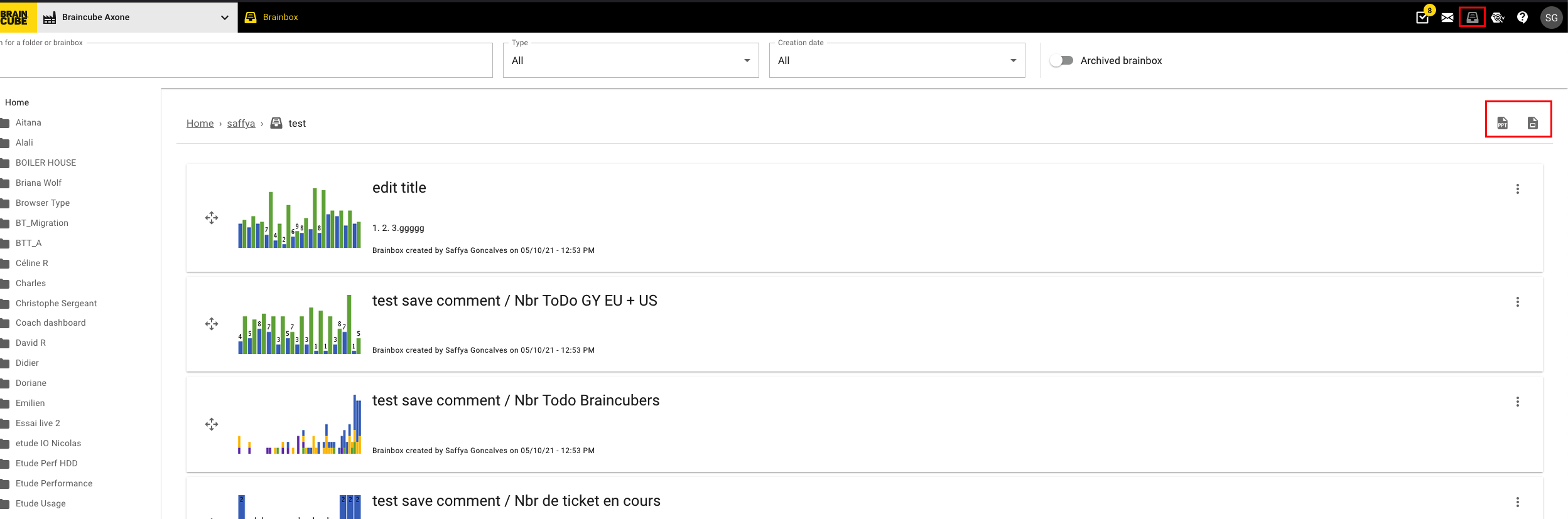
You can also export all the slides or a selection. If you choose the selection, you can click on the slides you want to appear in the export.
Your brainbox has been exported to a powerpoint file and is ready to be used for a presentation.
Before exporting you can customize your presentation in the brainbox; please click here for instructions How to personalize the elements of a brainbox?