On the "hyperlifts" section, you can group the hyperlifts by similarity. It may be useful if you have multiple similar variables that have similar ranks, and explain the same relation with the targeted variable.
For instance, if you have 5 variables that represent the temperature in the same tank, you may want these to be grouped.
To do so:
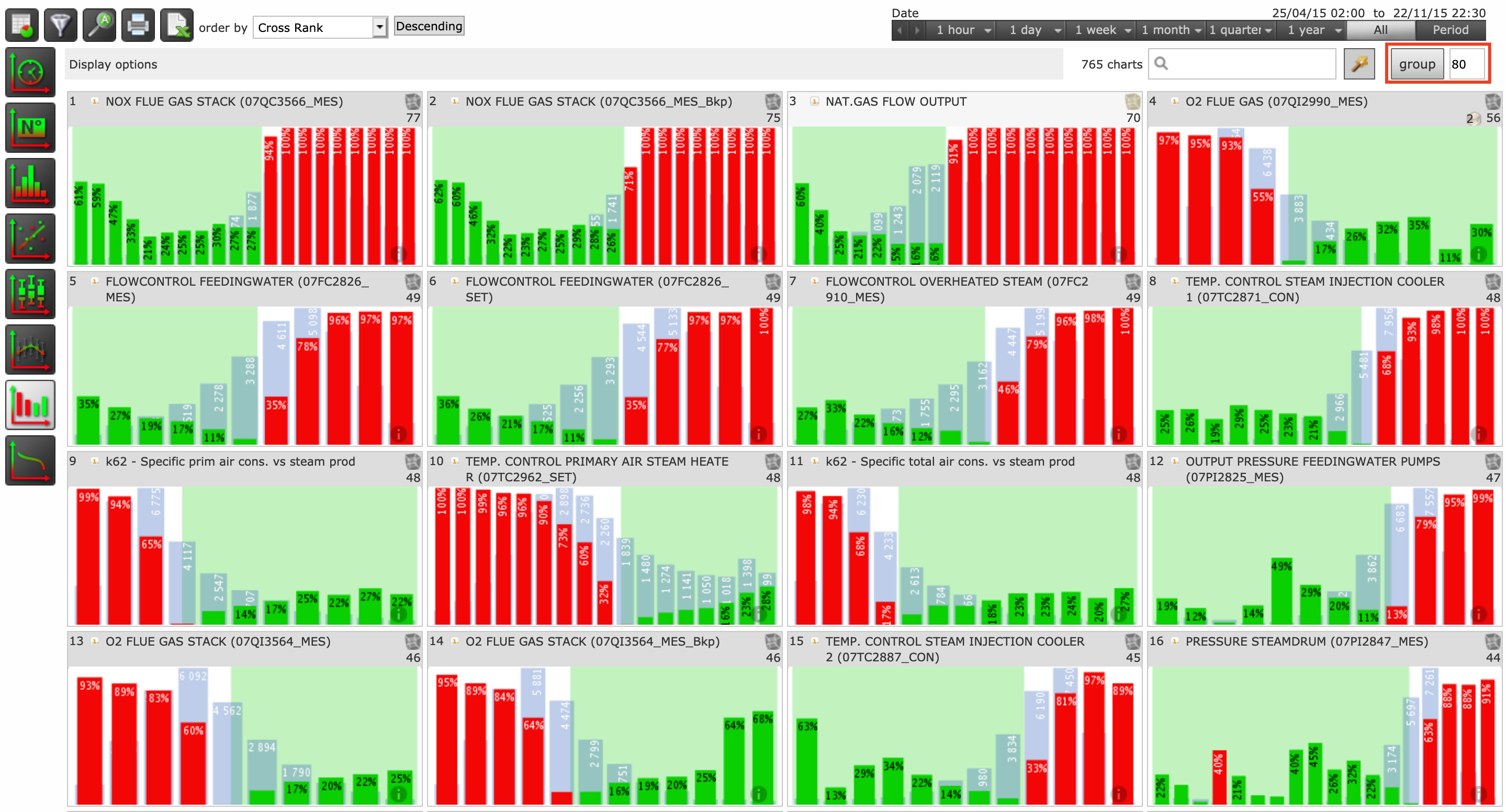
Choose the sensibility of the association : 100 would group only the identical variables in a tab, 0 would group everything in the same tab
By default, the sensibility of the association is set to 80.Click on "group". It may take some time (several minutes).
- To open an association of variables, click on "Open"
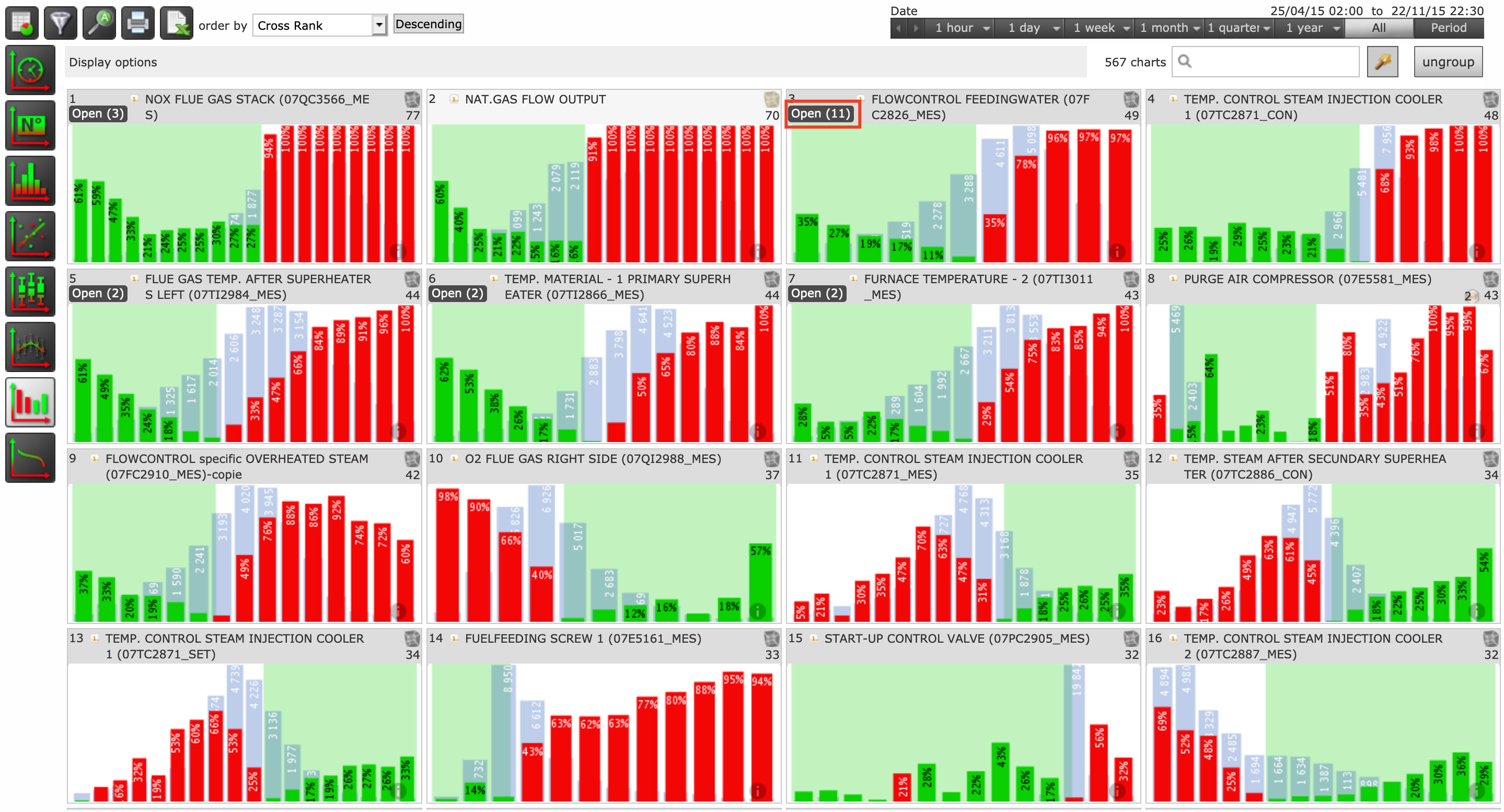
- To ungroup variables, click on "ungroup".