The certificate is valid for 1000 days.
Retrieve the certificate
Only admins profiles can generate the certificate for a user or for a managed user.
- Click on your initials and on "Administration".

- For a user, click on the user's name and on "Generate certificate"

Same for a service account (you need to select the "Service account" tab).
- You must register a password that you will use once to upload the certificate.

- The user (or the owner for the service account) will receive an email with the certificate.
- Download the certificate to your computer.
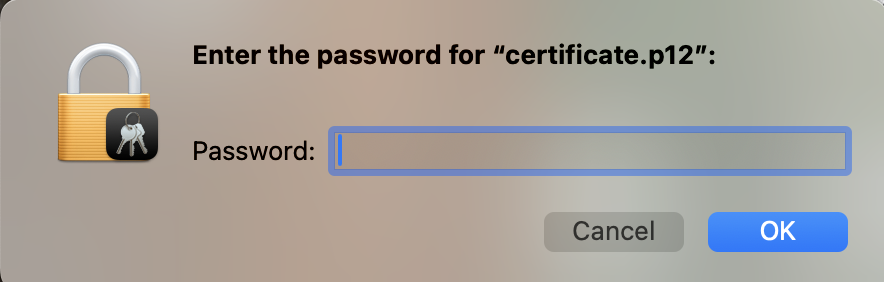
- Open the certificate. If requested, the password is the one you entered above:
Import the certificate into Braincube
The following depends on the Operating System you are using.
Procedure for Windows OS:
- Follow this documentation for adding a certificate to the Certificate Store using the Certificate Import Wizard.
Procedure for Mac OS:
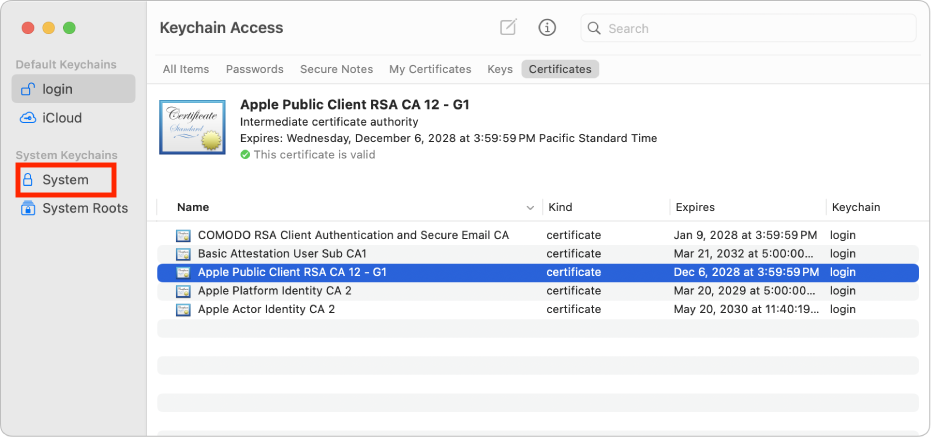
- Follow this documentation for adding a certificate to the keychain using the Keychain Access app on Mac. You should add the certificate to your System keychain:
Connection for users and service accounts
On the connection page, click on "I have a certificate" and choose your certificate if requested.
