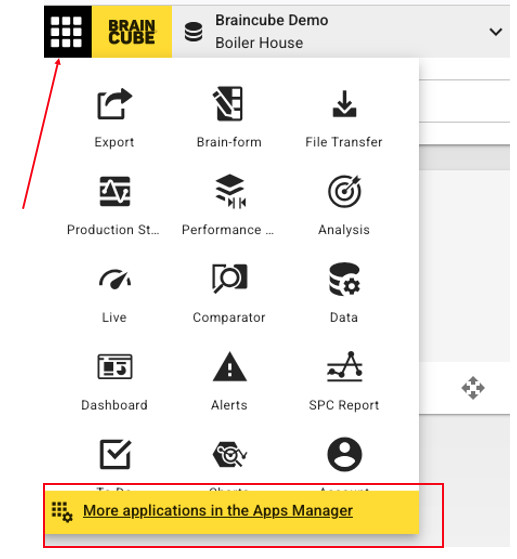
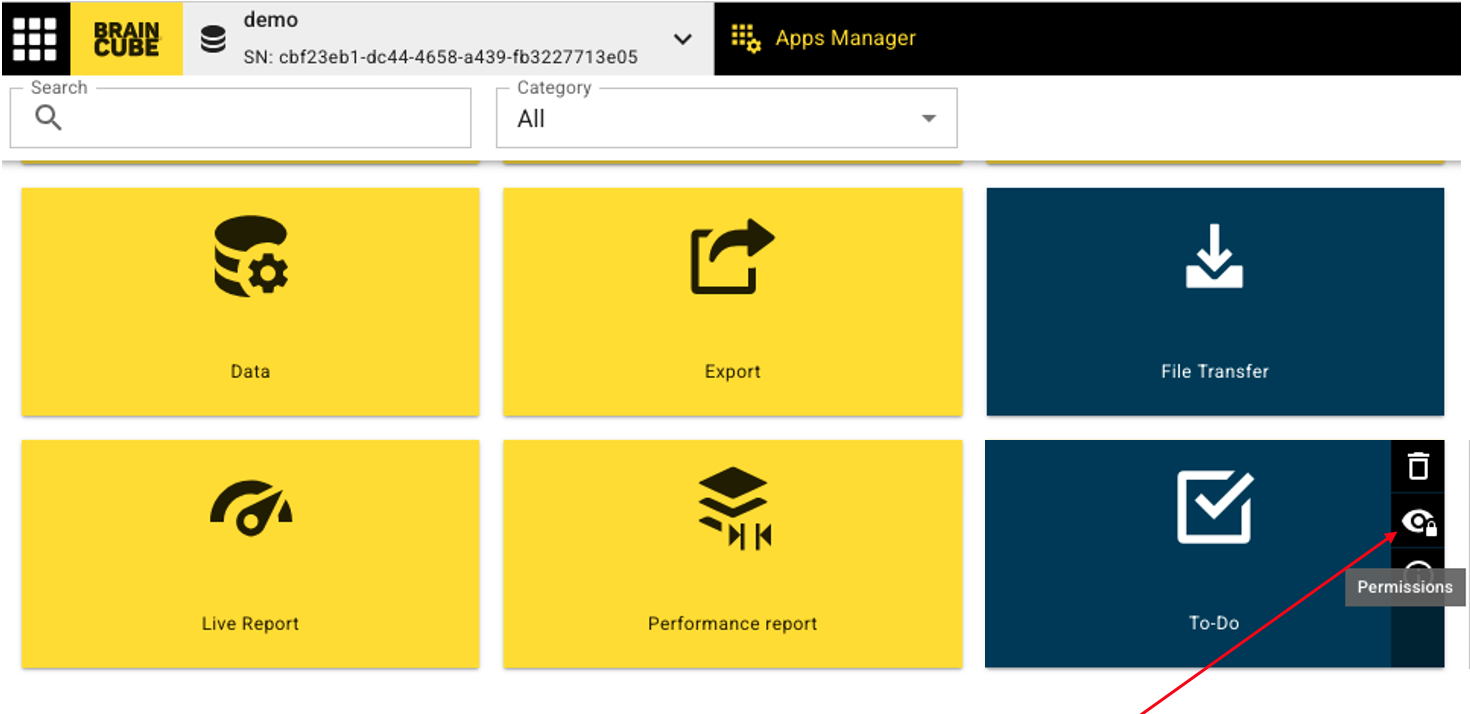
On the Apps Manager, it is possible for administrators of Braincube (and upper profiles) to manage the access rights to applications. Access to this configuration is provided by a mouse hover over an installed application.
You can click on the eye to open the sharing parameters:
A dialog opens with a toggle Share mode option. You can choose the lowest profile that has access to the application; for example, if you give access to the Manager Profiles, it will give access to the Manager profiles and Administrator profiles.
You can also give access to specifics accounts with a lowest profile manually, by choosing the names of the people.

Note: Public means everyone with a Braincube account gets access.